Nuki Smart Hosting: Automated Airbnb & PMS Guest Access
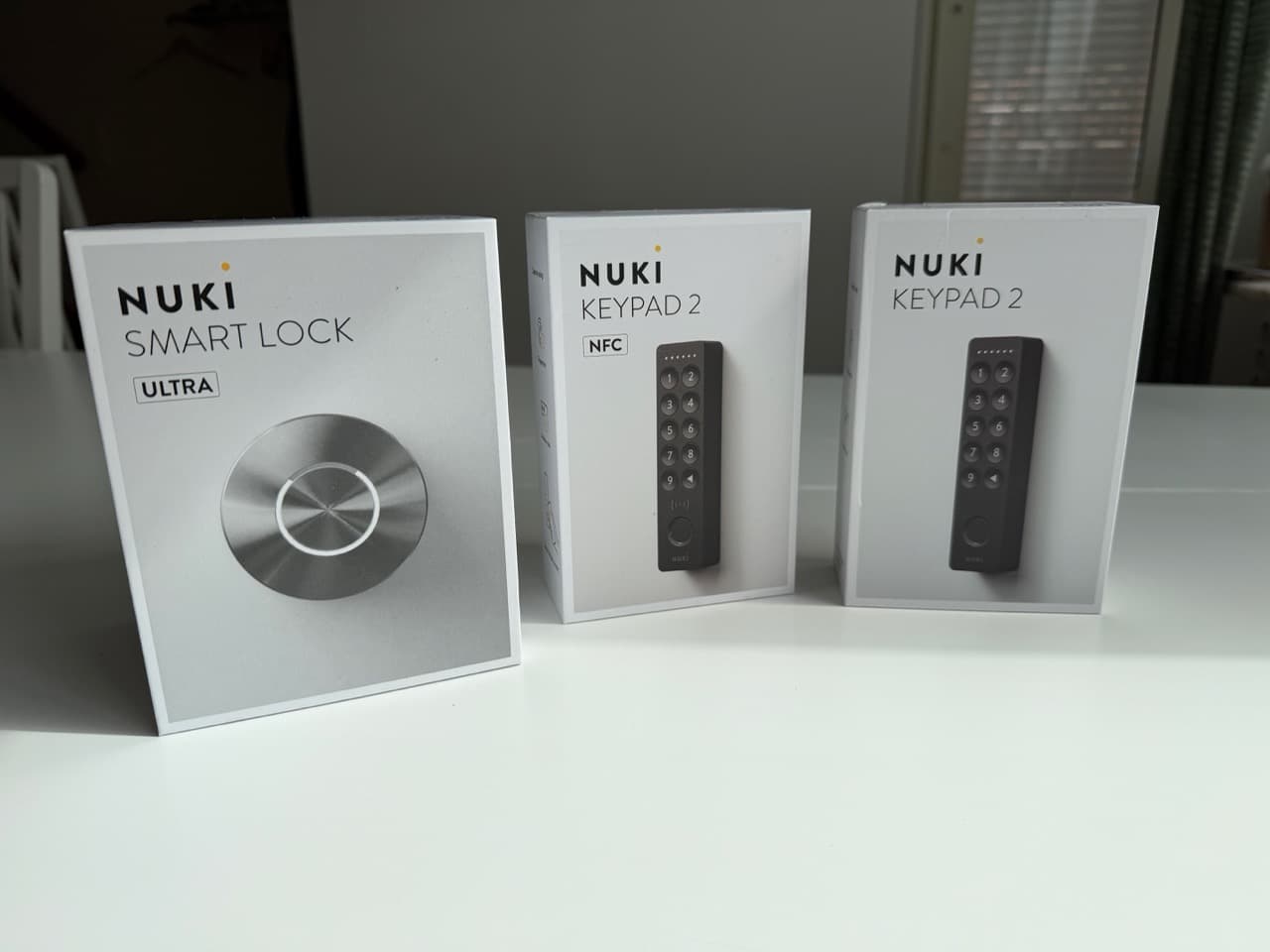
In my previous post I walked through installing two Nuki Ultra Nordics smart locks on our Uppsala townhouse — one on the front door, one on the storage room. The locks worked, the keypads worked, the app worked. But that's just the hardware side of the story.
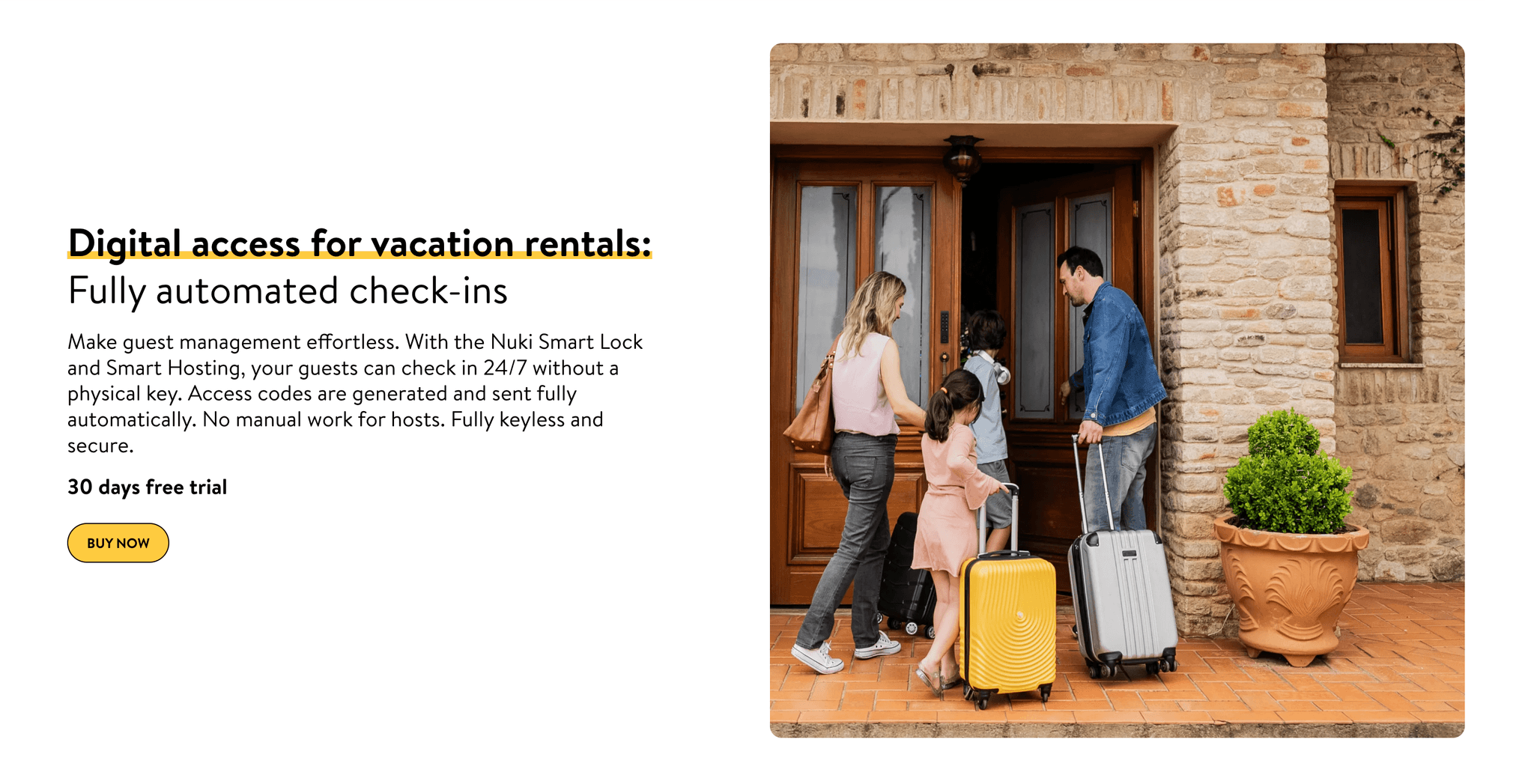
The actual reason I wanted smart locks on this house wasn't to save myself fifteen seconds at the door. It was to automate guest access for the short-term rental side of the property. Every Airbnb booking should generate a unique code that works only during the guest's stay and disappears the moment they check out. Cleaners should have recurring access that I can audit. I should be able to grant or revoke entry to anyone, from anywhere, in under a minute.
That's the promise of Nuki Smart Hosting — the paid subscription that turns the lock from a phone-controlled deadbolt into a fully automated self-check-in system. Here's how I set it up, what it costs in Sweden, every integration I could find, and an honest breakdown of what I've actually used so far versus what's possible.
- Smart Hosting costs 779 SEK/year per lock (€69/yr), with a 30-day free trial — separate from the free Nuki Web account that comes with the hardware
- Direct Airbnb integration plus 10+ PMS/channel manager integrations (Smoobu, Hostaway, Guesty, Lodgify, Eviivo, Smily, Uplisting, Beds24, and more)
- Guest codes are generated automatically from each booking, valid only for the stay, auto-revoked at checkout
- Weblink unlock lets guests open the door from a URL — no app install required
- 4-step setup: subscribe → activate Nuki Web API → connect short-term rental integration → add devices by Smart Lock ID
- What I've actually done so far: created codes manually, revoked access remotely, viewed the activity log. The full PMS automation is on my list for the summer season
What Smart Hosting Actually Is (and What It Isn't)
Until December 2025, Nuki sold a general "Nuki Premium" subscription that bundled remote access, push notifications, and Smart Hosting-style features together. That model was discontinued in late 2025. Today, the picture is simpler and clearer:
- Free Nuki Web account (included with any Smart Lock purchase) — gives you remote access, real-time notifications, the activity log, manual code creation, and access to the Nuki Web API for building your own integrations
- Smart Hosting subscription (€69/year per lock) — adds automated guest access tied to bookings, PMS integrations, weblink unlock, priority support, extended warranty, and immediate hardware replacement
If you only need remote control of your own door and don't host guests, the free account is genuinely enough. Smart Hosting is specifically for the host use case — Airbnb, Vrbo, Booking.com listings, or any short-term rental setup where guests come and go on a schedule.
For our setup, Smart Hosting is the difference between manually issuing a code for every booking versus letting the system do it.
Pricing in Sweden
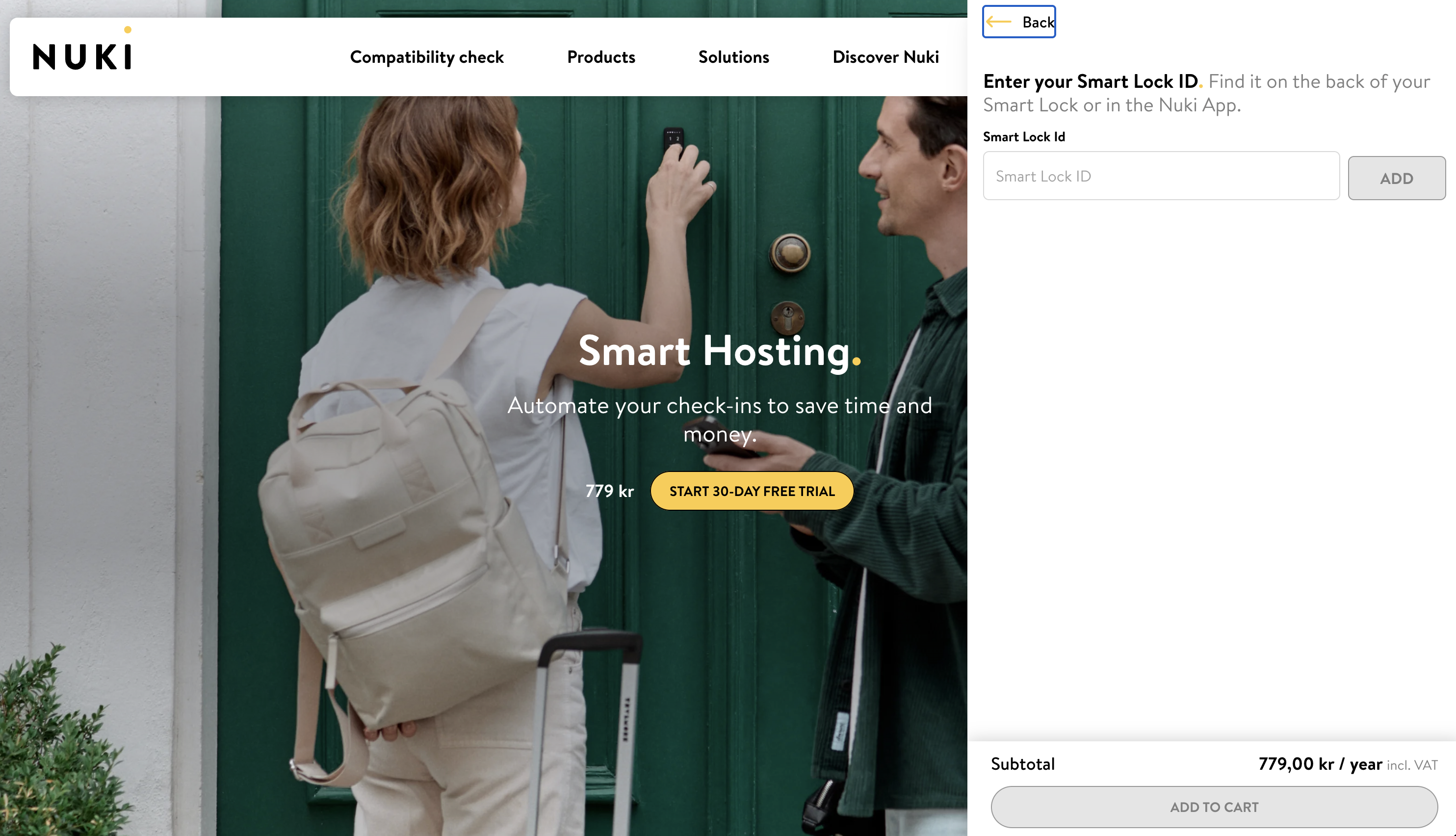
The pricing is straightforward:
- 779 SEK / year per Smart Lock (€69/yr in the Eurozone — Nuki prices regionally, but the conversion is essentially 1:1 with EUR at current rates)
- 30-day free trial before the first paid renewal
- Per-lock pricing — if you have two locks under one account, like I do, you pay for one Smart Hosting subscription for each lock you want to automate. The free Nuki Web account covers both with no per-device fee
- No monthly tier — annual only at retail. Enterprise plans (50+ units) are quoted separately
For a single Airbnb property with one entry door, that works out to ~65 SEK/month. For comparison, a single typical Airbnb booking in Uppsala covers the full year's subscription with the cleaning fee alone, so the math is forgiving even at modest occupancy.
The 4-Step Setup
Subscribing is the easy part. The actual setup — connecting your locks, activating the API, linking your PMS — is more involved but follows a clear sequence. Here's the path I went through.
Step 1: Subscribe and Add Smart Hosting to Your Cart
You select Smart Hosting on the Nuki product page, enter the Smart Lock ID of the lock you want to subscribe for, and add it to your cart. The Smart Lock ID is a short hexadecimal string you can find in the Nuki app under the device's settings — or printed inside the lock itself if you have it unmounted during install.
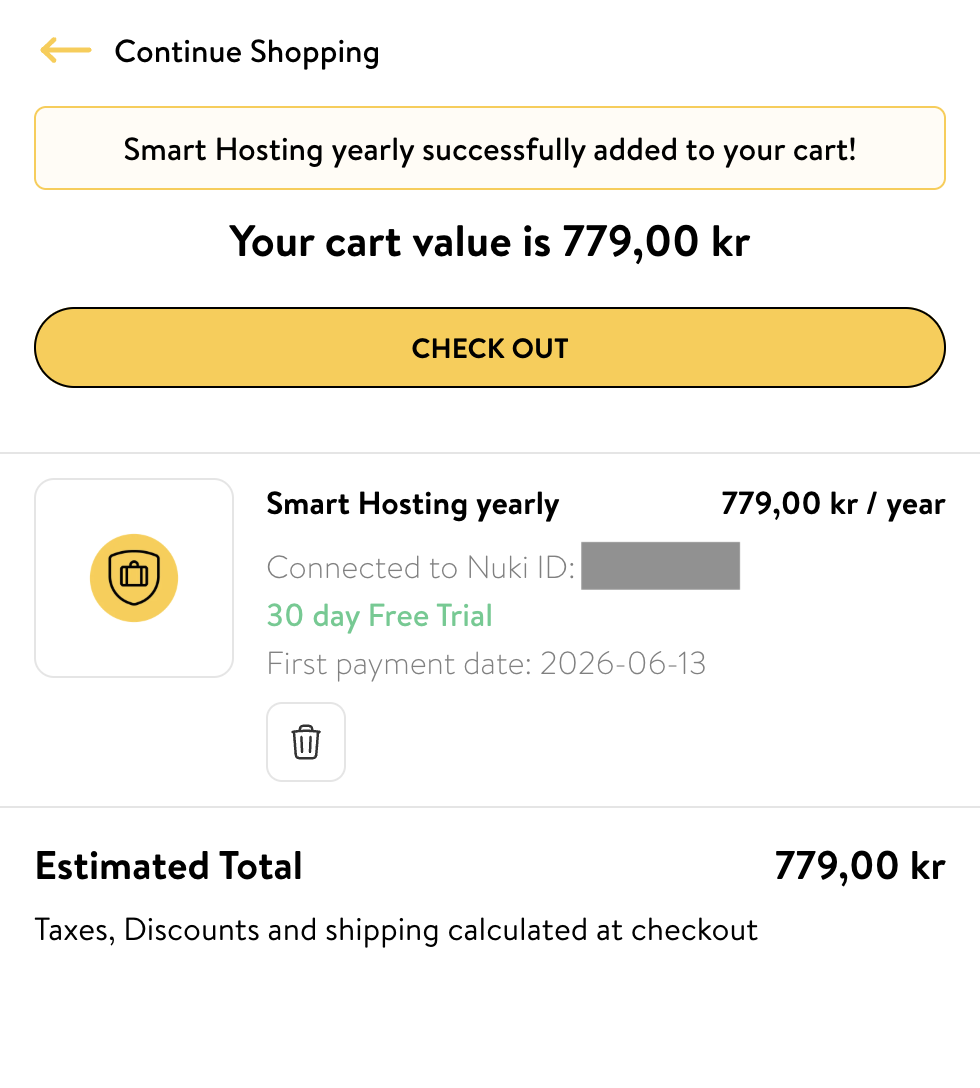
Checkout completes with a 779 SEK reservation against your card; the first actual charge hits 30 days later. If you cancel inside the trial window, you owe nothing. The cart also clearly displays the first payment date, which is useful if you want to set a calendar reminder before the trial converts.
The subscription is per-lock. For our setup, only the front door (the guest entry) needs Smart Hosting — the storage room is owner-only and doesn't need booking automation. One subscription, 779 SEK/yr, automates the door that matters.
Step 2: Activate the Nuki Web API
Before any external system can talk to your lock, you need to activate the Nuki Web API on your account. This is a one-time consent step — you agree to Nuki's API terms of use, then click Activate Nuki Web API.
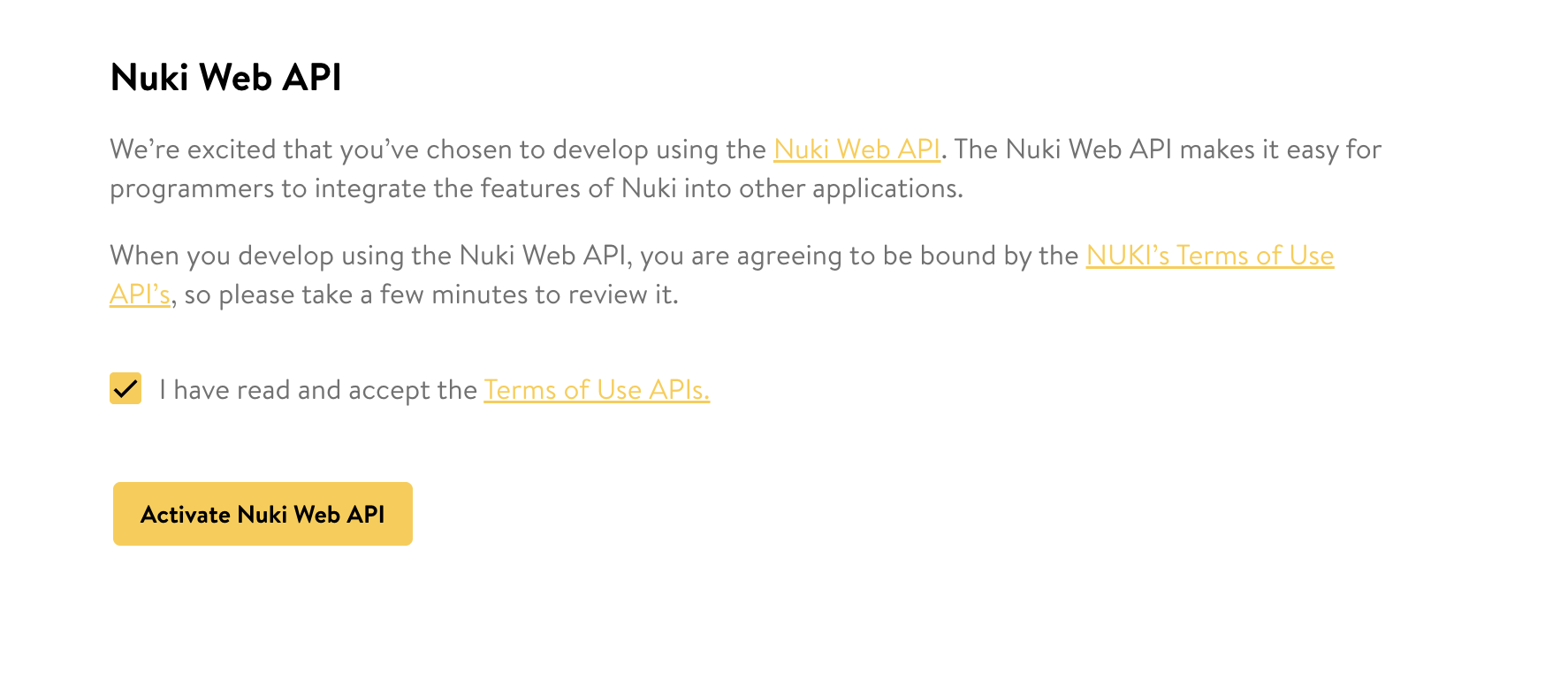
Once activated, you can generate API tokens that PMS systems and your own scripts use to authenticate. This is also the gateway to the Nuki Developer API if you ever want to build custom automations.
Step 3: Connect Your Short-Term Rental Integration
This is the Smart Hosting-specific step. From the Nuki Web sidebar, you select Short-term rental and click Connect now.
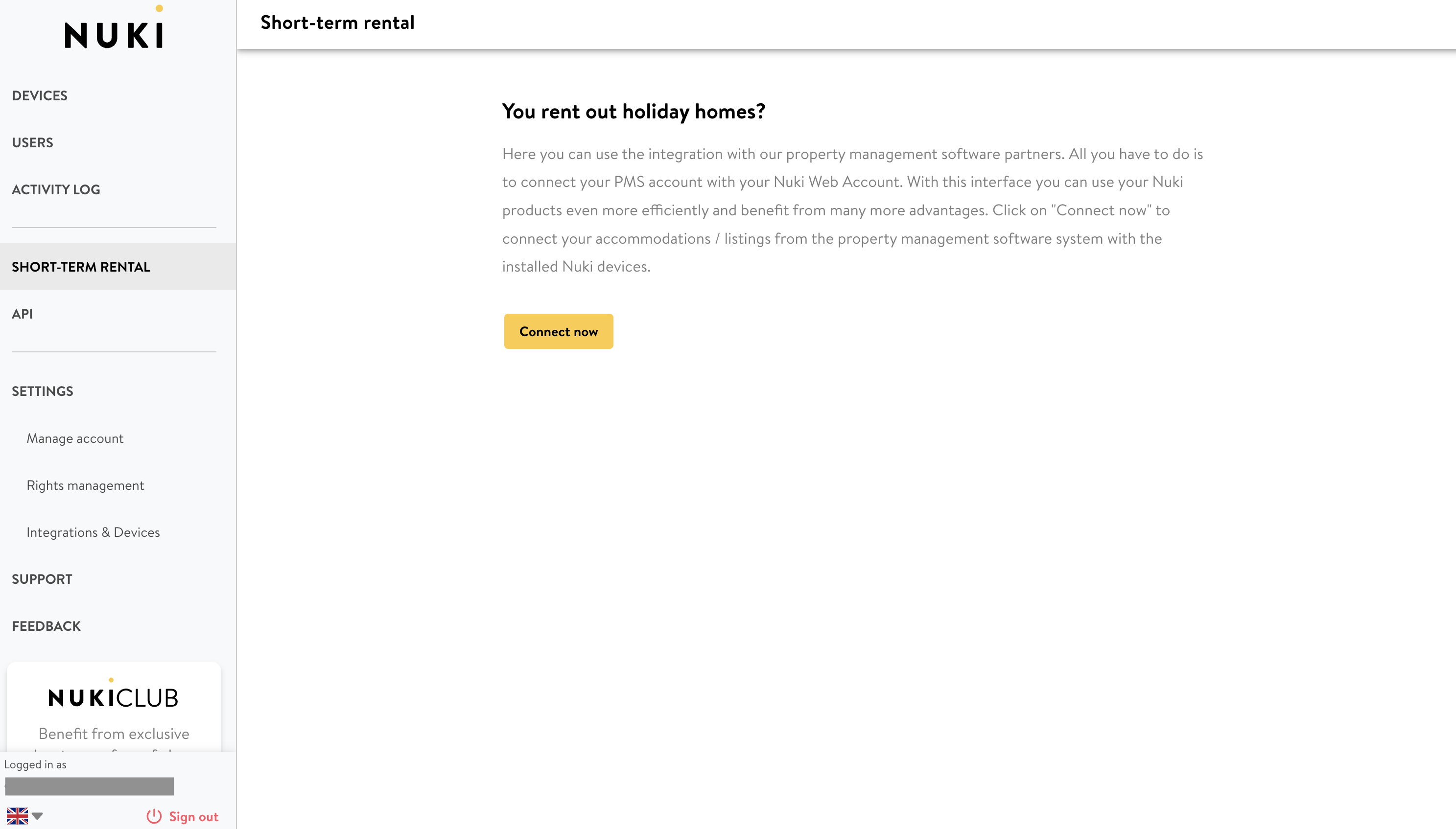
This is where you pick which PMS or booking platform to connect to. The flow is bidirectional — Nuki authenticates against your PMS using the credentials you provide, and the PMS gains permission to issue code-creation requests to your Smart Lock through the Nuki Web API.
Once connected, the PMS pushes booking data to Nuki in real time. New booking → new code generated → guest receives check-in instructions through the PMS's normal messaging channel.
Step 4: View Your Devices in the Dashboard
With everything wired up, the Nuki Web dashboard becomes the single source of truth for who can access which door and when. You can see all your devices listed in the sidebar, the activity log per door, current permissions, and the property location on a map.
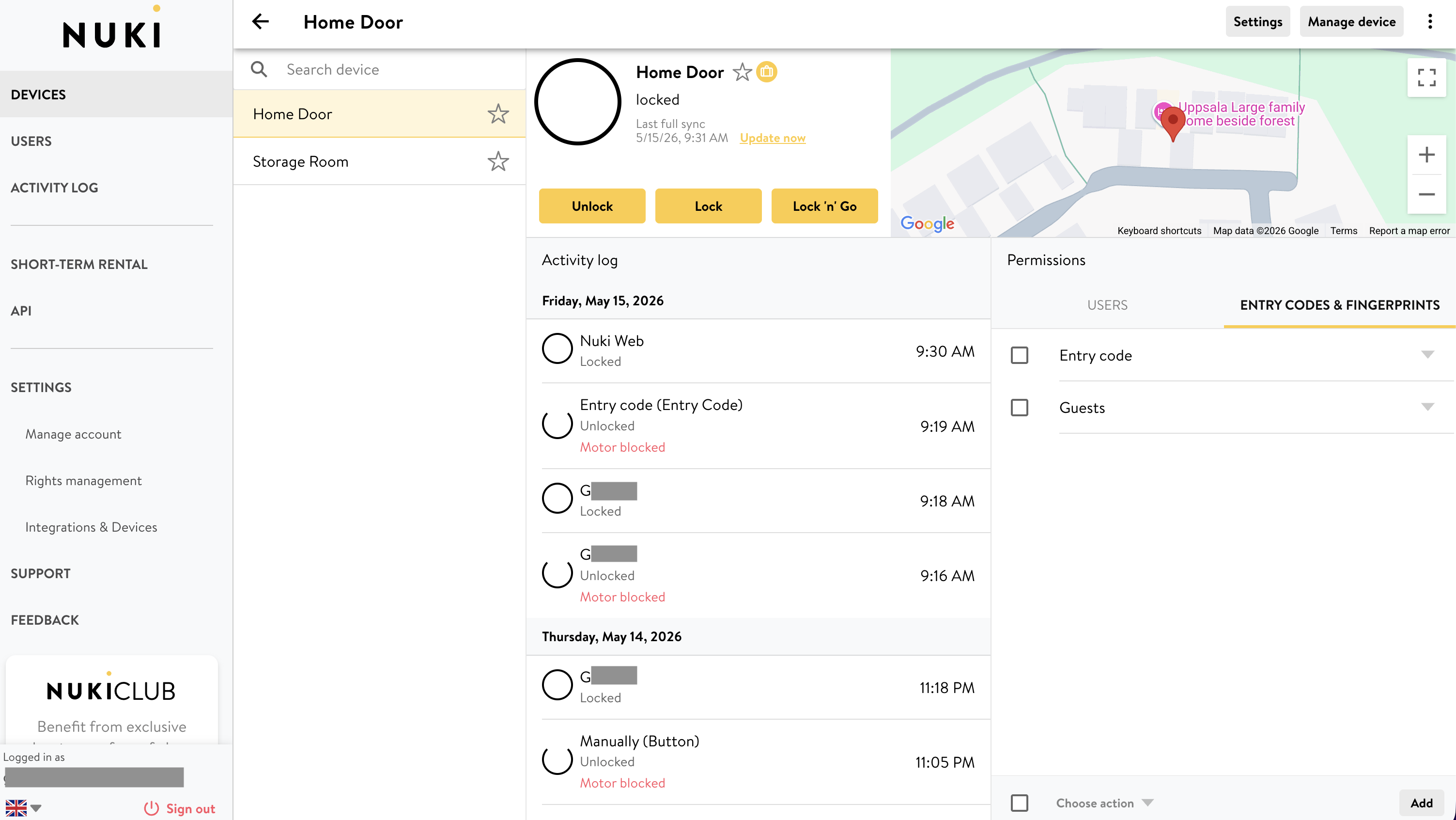
The activity log is more useful than I expected. You can see exactly who unlocked the door, with what method (code, fingerprint, app, key), and at what time. For an Airbnb host who's not on site, this is the closest thing to "I can see who's at my property right now" without a camera.
What You Can Actually Automate
The setup gets you to the starting line. What makes Smart Hosting worth the subscription is what happens after a guest books — across every supported integration.
Booking → Code → Auto-Revoke
The core automation loop:
- Guest books on Airbnb (or any connected platform)
- PMS pushes the reservation to Nuki Web
- Nuki generates a unique 6-digit code valid only for the stay window (check-in time → check-out time)
- The guest receives the code through the PMS's normal messaging — most PMS templates have a
{{nuki_code}}placeholder you drop into your existing check-in instructions - At checkout time, the code expires automatically. No manual cleanup
- If the booking changes — extended stay, early checkout, rescheduled — the code's validity automatically updates to match
That last point is what separates Smart Hosting from a manual script. Bookings move around. Guests message you asking to stay an extra night. Without automation, every change is another touch point for you. With Smart Hosting, the PMS knows, and Nuki knows.
Weblink Unlock (No App Required)
A standout feature I didn't realize existed until I dug into the docs: weblink unlock. Instead of forcing guests to install the Nuki app or memorize a code, Smart Hosting can send them a URL. Open the URL → tap a button → door unlocks.
This is the lowest-friction guest experience I've seen on any smart lock platform. For one-night stays, business travelers, or guests who are flatly hostile to installing yet another app, it's a meaningful improvement.
Cleaner & Staff Access
Recurring access for cleaners and maintenance staff isn't strictly a Smart Hosting feature — the regular Nuki app lets you create permanent codes or fingerprints with custom time windows. But Smart Hosting makes this easier to audit at scale: the dashboard shows you exactly when each code was used, and across multiple locks if you have several.
You could think of settings like, for example, a code for the cleaning team that only works:
- Tuesdays and Fridays
- Between 10:00 and 14:00
- For the front door only (no storage room access)
If they enter outside that window, the lock simply doesn't accept the code. The activity log shows me when they actually used the code each visit, which is more useful for billing reconciliation than I expected.
The PMS Integration Landscape
This is where Smart Hosting earns its keep relative to building your own integration. Nuki maintains direct connections with:
| Type | Integrations |
|---|---|
| Booking platforms (direct) | Airbnb |
| Property management systems | Hostaway, Smoobu, Guesty, Lodgify, Eviivo, Smily, Uplisting, Beds24, NowiStay, ChargeAutomation, Avantio |
| Smart home (via free Nuki Web) | Apple Home, Google Home, Amazon Alexa, Samsung SmartThings, Homey, Home Assistant, Loxone |
If your PMS aggregates Booking.com, Vrbo, and other channels into a unified inbox, those bookings reach Nuki through the PMS — you don't need a separate Nuki-to-Booking.com connection.
For most hosts in Sweden, the practical decision is:
- Airbnb-only host → use the direct Airbnb integration.
- Multi-channel host → Hostaway (what our management company SwedBNB uses), and Smoobu are the most popular PMS in the Nordic region with strong Nuki support.
Permissions and Multi-User Access
The Nuki Web dashboard also handles user permissions — you can grant a co-host, property manager, or partner their own login with scoped access. For example, a property manager could be allowed to view activity and create codes but not modify lock settings or add new devices.
This matters for short-term rental operations with multiple people in the workflow: the cleaner has a physical code, the manager has a Nuki Web login, the guests get auto-generated codes, and you retain admin control over everything.
What I've Actually Used So Far
So far I've used a subset of what the platform offers:
- Created manual entry codes for friends and family who needed access during specific visits — works exactly as advertised, code generated in 30 seconds, valid for the window I picked, auto-expired at the end
- Revoked access remotely for a code that was no longer needed — instantaneous from the dashboard
- Monitored the activity log to see who entered when
Is Smart Hosting Worth 779 SEK/Year?
It depends entirely on whether you actually host. If your Nuki is on your own home and you have no plans to list the property, the free Nuki Web account gives you everything you need — remote control, notifications, activity log, manual codes for occasional guests.
If you host at all — even one or two Airbnb stays a month — Smart Hosting pays for itself in saved time and avoided errors. Every booking that goes through automation is a booking you don't have to manually create a code for, send check-in instructions for, or remember to revoke afterward. At one or two bookings per week, the time saved alone covers the subscription cost. Add the reduction in "I sent the wrong code" or "I forgot to revoke the old code" incidents, and the calculation is clear.
For our setup specifically — one guest-facing door, intermittent hosting — Smart Hosting is the right call. For the storage room (owner-only), the free account is fine.
What's Next
The natural next post in this series is the end-to-end Airbnb walkthrough: a real booking, from creation to guest arrival, with the weblink, the auto-code, the PMS integration, and the activity log all in one flow. I'll publish that once we have a real booking through the system, working out the details along with SwedBNB.
In the meantime, you can start a 30-day Smart Hosting trial or browse the full list of Nuki Smart Hosting integrations.
If you haven't yet installed your locks, the install walkthrough covers everything from unboxing to calibration.
People Also Ask (FAQ)
Do I need Nuki Smart Hosting to use my Nuki lock with Airbnb?
No, you can use the lock without it. The Nuki app lets you manually create time-limited 6-digit codes for any guest. Smart Hosting is for when you want this to happen automatically every time a new booking comes in — no copy-pasting dates, no manual cleanup after checkout.
How much does Nuki Smart Hosting cost in Sweden?
779 SEK per year per Smart Lock (around €69). A 30-day free trial is included when you sign up, with the first paid renewal hitting 30 days after activation. Pricing is per-lock, so a duplex with two locked entries pays for two subscriptions.
Which booking platforms and PMS systems does Smart Hosting integrate with?
Direct: Airbnb. Via PMS / channel managers: Smoobu, Hostaway, Guesty, Lodgify, Eviivo, Smily, Uplisting, Beds24, NowiStay, ChargeAutomation, and others. If your PMS already aggregates bookings from Airbnb, Booking.com, and Vrbo, those flow through to Nuki via the PMS connection.
How does a guest receive their access code?
Either through the channel where they booked (most PMS systems send check-in instructions automatically with the Nuki code embedded) or via the Nuki app if they accept an invitation. Smart Hosting also supports a weblink — the guest opens a URL that lets them unlock the door directly from the browser without installing anything.
What happens to the code after checkout?
It expires automatically at the booking's checkout time. No manual revoke needed. If the booking is modified (dates pushed back, stay extended), the code's validity adjusts automatically. If the booking is cancelled, the code is revoked.
Can I give my cleaning team recurring access?
Yes. Through the regular Nuki app (not Smart Hosting specifically), you can create a permanent code or fingerprint with custom time windows — e.g. "cleaner X has access Tuesdays 10:00–14:00 only". The activity log shows you exactly when and which code was used.
Can I manage multiple properties from one Smart Hosting dashboard?
Yes — Nuki Web shows all your devices in one view, regardless of property. You add each lock by its Smart Lock ID. There's an enterprise tier for portfolios above 50 units; below that, the standard €69/year-per-lock model just scales linearly.
What does Smart Hosting add over the free Nuki Web account?
Free Nuki Web (included with any Nuki lock since December 2025) gives you remote access, notifications, manual code creation, activity log, and Web API access. Smart Hosting adds: automatic booking sync from PMS systems, weblink unlock for guests, priority support, a 3-year warranty (vs. 2-year), immediate replacement, and a 15% accessory discount.
This post is in partnership with Nuki. The setup experience, feature breakdown, and recommendations are entirely my own.